How to Choose a Paid TradingView Indicator
Choose a paid TradingView indicator by its analytical job, evidence, limitations and setup requirements. Use a practical buyer worksheet before paying.
Read the guide →Practical, source-aware guides for structured TradingView analysis, market context, risk planning and disciplined decision review.
Editorial standard: educational, transparent and free from profit promises, personalized advice or automated-trading claims.
Organize evidence. Preserve uncertainty. Decide manually.
Choose the correct group, timeframe, source and turnover units.
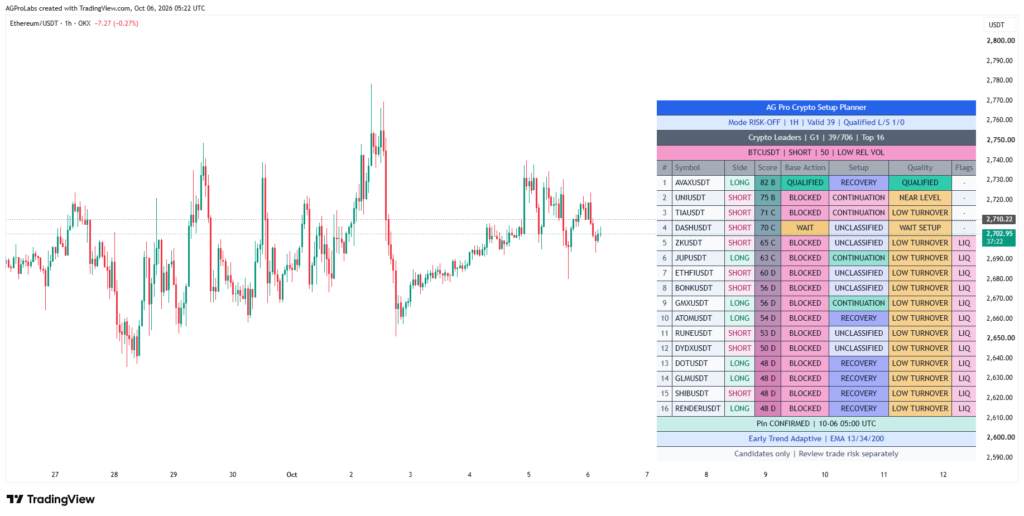
02 / Read a real panelUnderstand qualified and blocked candidates.Follow five reading steps using an actual captured dashboard.
03 / Inspect structureGive support and resistance rails a role.Separate family, ATR distance, quality and historical follow samples.
04 / Review a chartConnect context, confirmation and risk.Use the Trading Suite session worksheet and a worked conflict example.
05 / Check the timingKnow when the evidence became available.Separate live values, source closes and confirmed pivot geometry.
06 / Configure attentionMake alerts match your reviewed setup.Record inputs, create the correct event and troubleshoot delivery.
Practical examples, comparison worksheets and honest limitations connect each question to the relevant analytical tool.
Choose by purpose, methodology, evidence and current terms.
Choose a paid TradingView indicator by its analytical job, evidence, limitations and setup requirements. Use a practical buyer worksheet before paying.
Read the guide →Compare a TradingView screener with a chart indicator. Understand basket discovery, native Pine Screener limits and the next chart-review step.
Read the guide →Compare Crypto Setup Planner vs Trading Suite by analytical job. Choose basket discovery, detailed chart review or a deliberate two-stage workflow.
Read the guide →Compare a channel indicator with manual trendlines. Review pivot timing, channel families, consistency and the limits of projected structure.
Read the guide →Understand TradingView indicator vs strategy, analytical displays, simulated orders and why a modeled result is not a live trading record.
Read the guide →Use a technical analysis tool checklist to evaluate methodology, source timing, market fit, risk boundaries and current access terms.
Read the guide →Choose a swing trading indicator around review frequency, source timing, structure and risk. Compare discovery and chart-analysis requirements.
Read the guide →Organize TradingView tools for busy traders around a coherent watchlist, explainable shortlist and repeatable review. Avoid rushing the risk checks.
Read the guide →Review TradingView indicator costs beyond the purchase price: platform entitlements, market data, setup time and current access terms.
Read the guide →Build a TradingView analysis workspace with a defined role for discovery, chart context, structural mapping and independent risk review.
Read the guide →Crypto, stocks, ETFs and commodity feeds with consistent source checks.
Build a crypto watchlist with consistent exchanges, quote currencies and screening groups, then review candidate quality before opening charts.
Read the guide →Build a stock sector watchlist in TradingView with consistent listings, sessions and quality checks instead of mixing unrelated companies.
Read the guide →Compare ETFs in a TradingView watchlist while checking fund exposure, sessions, price adjustments and the limits of technical screening.
Read the guide →Screen global stocks with clear currency, exchange-session and volume-unit checks before comparing ranks across markets in TradingView.
Read the guide →Compare gold spot, futures and ETF charts with the right feed, volume and contract checks before building a TradingView screening basket.
Read the guide →Review oil screening results with contract expiry, continuous-futures rollover and volume-unit checks before treating a chart change as a setup.
Read the guide →Separate crypto spot and perpetual screening with consistent feeds, quality checks and an independent review of contract and execution costs.
Read the guide →Read watchlist market breadth with the correct basket size, valid-data denominator and timing instead of treating a small group as the whole market.
Read the guide →Run a weekend crypto watchlist review with stable baskets, quality states and a clear follow-up queue rather than chasing the highest score.
Read the guide →Build a pre-market stock screening routine that separates the previous close, extended-session data and the checks required after the market opens.
Read the guide →Scores, participation, freshness and the reasons a row waits or is blocked.
Understand why a high Crypto Setup Planner score can remain BLOCKED and how ranking, setup classification and quality gates serve different jobs.
Read the guide →Learn why relative volume and liquidity are different, and combine participation readings with turnover and independent execution checks.
Read the guide →Set turnover thresholds only after checking TradingView volume units, currency and instrument type, including Base, Quote and unknown feeds.
Read the guide →Use ATR percent to compare price variability across a screening basket while preserving timeframe, history and participation checks.
Read the guide →Distinguish breakout, continuation and recovery setup labels, then review timing, participation and nearby structure before prioritizing a chart.
Read the guide →Understand stale setup screening, distinguish old context from a fresh candidate and build a review queue that avoids chasing late signals.
Read the guide →Diagnose WARMUP and missing-data states in a TradingView screener before comparing scores or changing candidate-quality requirements.
Read the guide →Review long and short score conflict by checking timeframe, feed, confirmation timing and structure before treating directional bias as a trade.
Read the guide →Review a qualified screener candidate near resistance with source timing, level context and a separate execution and risk assessment.
Read the guide →Turn a screener shortlist into a repeatable chart review with preserved timestamps, quality reasons, structural checks and a documented next step.
Read the guide →Families, rail distance, pivot timing and historical follow samples.
Read major and minor price channels as different structural scales, then use dominant context and nearby rails without treating them as trade signals.
Read the guide →Understand internal and external price channels, nested structure and the limits of interpreting overlapping channel families in TradingView.
Read the guide →Read channel support and resistance distance in ATR units, compare rail proximity and understand why normalized distance is not a reaction probability.
Read the guide →Interpret a channel quality score as a rule-based geometry measure, then combine it with rail distance, structural state and sample evidence.
Read the guide →Read price position inside a channel as a location measure, with clear boundaries, structural state and the limits of percentage interpretation.
Read the guide →Review broken channels and possible support-resistance role changes without assuming every broken rail becomes a reliable reversal level.
Read the guide →Use a channel breakout and retest checklist covering confirmed geometry, observation timing, participation and the limits of a rail-touch interpretation.
Read the guide →Understand projected channel rails as extensions of current geometry, with practical checks for pivot updates, volatility changes and structural relevance.
Read the guide →Understand pivot confirmation delay in channel tools and separate a pivot's historical location from the time its structural information became available.
Read the guide →Read channel follow rates with the event definition, sample size and unresolved outcomes instead of treating the percentage as a future trade win rate.
Read the guide →Context, location, costs and a separate account-risk review.
Resolve multi-timeframe analysis conflict by assigning each interval a role and recording confirmation timing rather than averaging opposing labels.
Read the guide →Adapt chart review to trend and range context with explicit structural questions, timing rules and quality checks instead of applying one signal everywhere.
Read the guide →Compare VWAP and moving averages as different chart references, with practical checks for volume, reset conventions and interpretation limits.
Read the guide →Distinguish liquidity-sweep review from breakout review using a defined reference, confirmed timing and subsequent behavior rather than wick labels alone.
Read the guide →Review fair value gaps through location, formation timing and broader structure instead of treating every imbalance box as an automatic entry.
Read the guide →Separate analytical invalidation from a stop-loss order, with a practical worksheet for scenario failure, execution mechanics and account risk.
Read the guide →Calculate risk reward after fees and slippage with a transparent R-unit example, then distinguish scenario arithmetic from a validated trading edge.
Read the guide →Separate position size from indicator score, with a simple risk-budget example and the assumptions behind Kelly-style analytical models.
Read the guide →Review portfolio rotation through relative strength, persistence, friction and existing exposure rather than switching automatically to the newest leader.
Read the guide →Review correlated trades and shared portfolio drivers before treating several high-quality chart setups as independent account opportunities.
Read the guide →Journals, forward testing, sample limits and operational checks.
Use a trading journal template that preserves screener observations, rejected candidates, chart review and net outcomes without hindsight edits.
Read the guide →Forward test a TradingView indicator with fixed rules, saved timestamps, rejected observations and honest separation of signals from trades.
Read the guide →Recognize indicator overfitting through repeated tuning, selective screenshots and fragile assumptions, then design a more credible validation process.
Read the guide →Avoid look-ahead bias in chart replay by recording indicator availability, pivot confirmation and the difference between final charts and live evidence.
Read the guide →Compare win rate and expectancy with net R examples, sample-size checks and a clear distinction between modeled assumptions and realized results.
Read the guide →Understand maximum drawdown and recovery arithmetic, then distinguish account equity history from a chart's price-based stress reference.
Read the guide →Review TradingView alerts after a script update with a saved configuration, snapshot checks, replacement validation and a controlled delivery test.
Read the guide →Compare Heikin Ashi and standard candles for setup review, with clear distinctions between synthetic prices, indicator inputs and execution references.
Read the guide →Use a checklist when trading indicators disagree, covering data context, confirmation timing, analytical roles and shared-input overlap.
Read the guide →Run a weekly trading process review covering watchlist coverage, quality rejections, chart hand-offs, alert health and recorded net outcomes.
Read the guide →Choose a tool, verify stock or commodity feeds, read actual dashboards, inspect structure, configure alerts and understand portfolio rotation states.
Compare candidate discovery, integrated chart analysis and dynamic channel mapping. Choose an AGProLabs tool by its job, market scope, limitations and one-time access price.
Read the complete guide →Read a real TradingView dashboard in five steps: coverage, score, candidate quality, setup, flags and pinned-symbol context.
Read the complete guide →Configure a selected stock or ETF basket with the correct profile, source timeframe, data feed, session checks and volume units.
Read the complete guide →Read the nearest channel rails with their family, level, ATR distance, quality and state; interpret historical follow samples separately.
Read the complete guide →Turn Trading Suite into a repeatable chart-review session, with context, location, confirmation, scenario geometry and a written reason to continue or wait.
Read the complete guide →Separate developing chart values, completed source candles, confirmed events and historical pivot drawings with a practical timing worksheet.
Read the complete guide →Create a reproducible indicator-alert setup, record its saved inputs and troubleshoot the event separately from notification delivery.
Read the complete guide →A practical guide to using rules-based Pine Script workflows to organize context, confirmation and risk without treating a dashboard as a prediction engine.
Read the complete guide →A practical framework for market psychology, context, technical analysis, confirmation, risk and post-decision review without impulsive conclusions.
Read the complete guide →Learn how to turn TradingView charts, indicators, multi-timeframe context and alerts into a coherent manual analysis workflow.
Read the complete guide →Compare crypto exchange feeds, build a controlled shortlist, interpret candidate scores and quality blockers, and keep source timeframes and saved alerts aligned.
Read the complete guide →Read dynamic channels with practical examples of pivot confirmation, major and minor structure, ATR-normalized distance and changing rail relevance.
Read the complete guide →Build a verified commodity shortlist with editable symbols. Separate spot, CFD, fund and futures data before interpreting volume, timing and qualification.
Read the complete guide →Read an actual HOLD / TIME ALIGN panel, verify portfolio inputs and distinguish relative strength, confirmed qualification and the costs of a manual rotation.
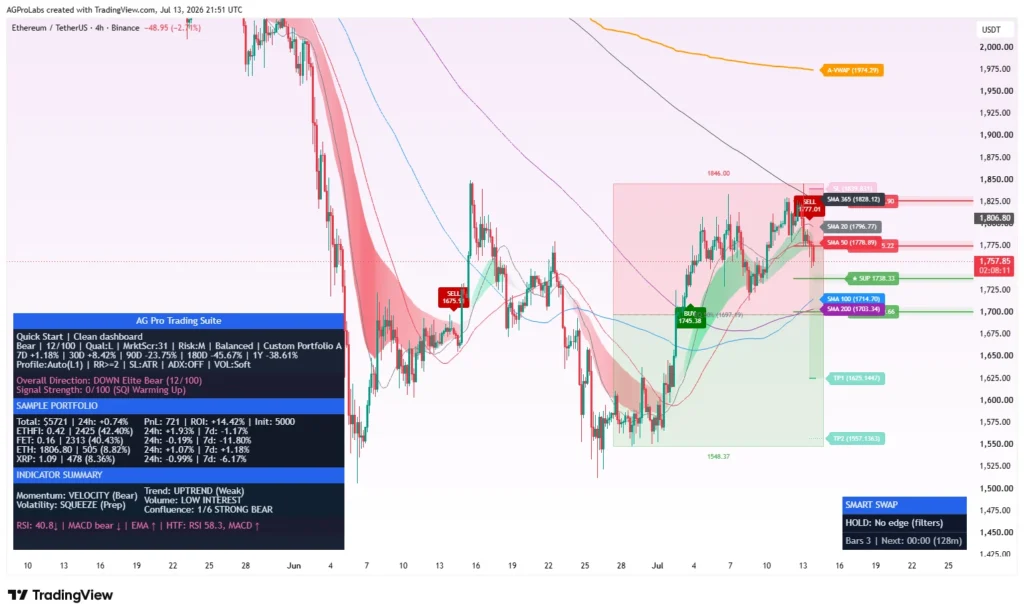
Read the complete guide →Integrated market state, structure, confirmation, risk and portfolio context.
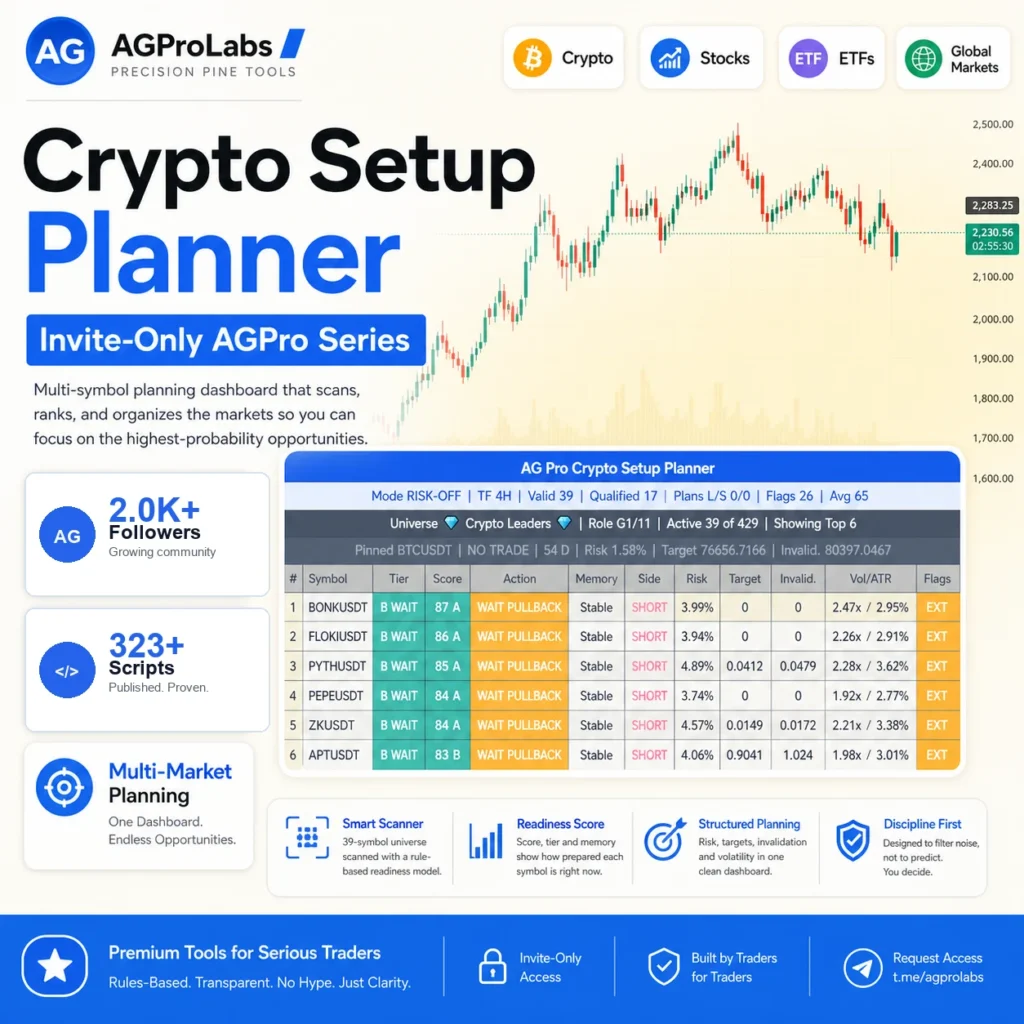
02 / Multi-marketCrypto Setup PlannerRank a selected active basket across compatible crypto, stock, ETF and commodity feeds before deeper chart review.
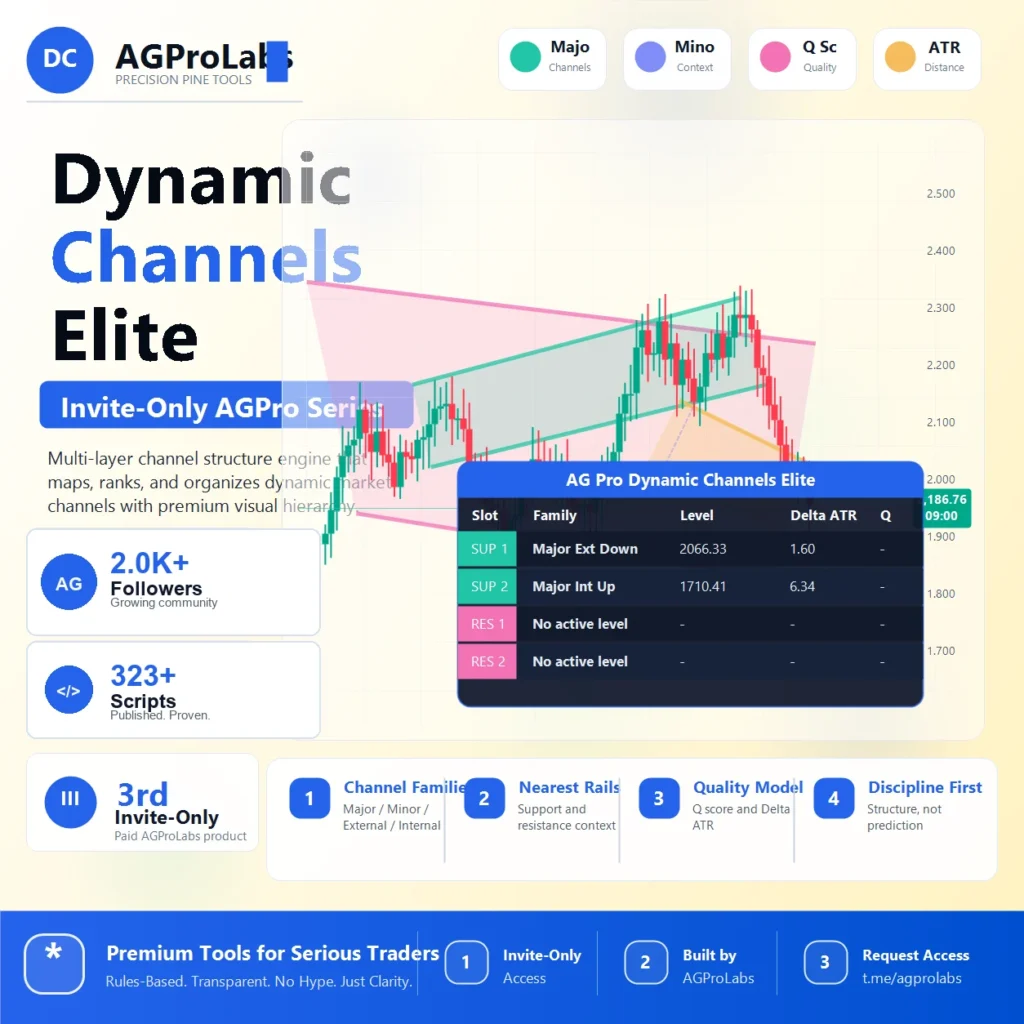
03 / StructureDynamic Channels EliteOrganize major, minor, external and internal channel geometry.